SPF, DKIM & DMARC checker.
One domain. A clearer picture of your email DNS. Check published records, find common DKIM selectors and understand what needs a closer look.
Start with your domain.
We’ll review the published records in your browser. Bare Audit does not receive this lookup or create a report or ranking.
Declarations are one piece of the mail path.
The map follows the record checks available here. A published declaration does not prove authentication, policy enforcement or successful delivery.
- SPF · sender policy declaration
Review the DNS declaration’s checked syntax; sender authorization is not tested here.
- DKIM · selector declaration
Check a bounded set of selector names or enter one you already know.
- DMARC · domain policy declaration
Review the published policy text; alignment and mail delivery are not tested.
- MX / MTA-STS · routing declarations
Observe DNS records only; mail servers, HTTPS policy and TLS enforcement are not contacted.
Review pasted records manually
This mode reviews text in this tab only. It does not query or upload DNS data.
No lookup history is saved in local storage. References: RFC 7208 (SPF) · RFC 9989 (DMARC) · RFC 6376 (DKIM) · RFC 7505 (Null MX) · RFC 8461 (MTA-STS).
Five records.
Different jobs.
DNS is one part of email health. Here’s what each check can tell you.
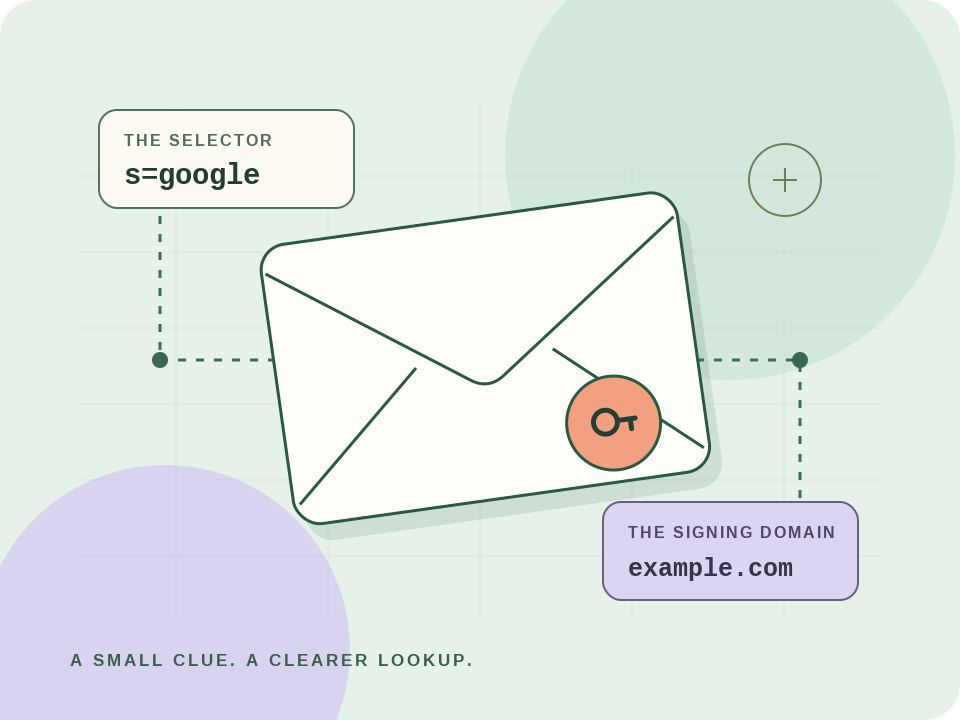
- SPFWho may send?
- Review the published sender policy and its declared mechanisms. Includes are not recursively evaluated.
- DKIMWhere is the key?
- Search four common selectors, or supply the exact selector from a signed message.
- DMARCWhat is the policy?
- Read the policy declared at the exact domain’s _dmarc name. Parent policies are not searched.
- MXWhere does mail go?
- See declared receiving servers and priorities. Server reachability is not tested.
- MTA-STSIs a policy advertised?
- Check the DNS declaration. The HTTPS policy and mail-server TLS are outside this tool.
A small clue.
The right DKIM key.
Your message already carries the clue. Find its s= selector and d= signing domain, then check the exact DNS name.
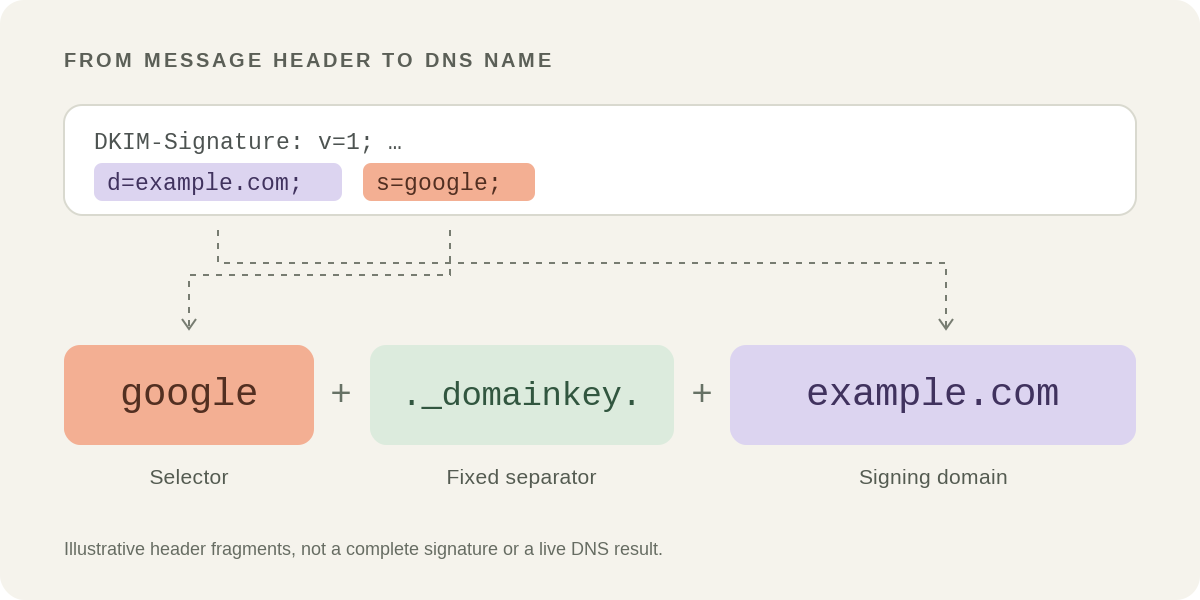
1. Choose the right domain
For DKIM, use the signing domain in d=. A website’s www hostname may have different records from its email domain.
2. Refine the lookup
Start with common-selector discovery. If you know s=, use the selector override for one precise check.
3. Review with your provider
Copy the checklist and compare it with your sending configuration. The email authentication fix guide explains the next steps.
Know what the record means.
SPF records, explained.
Read the syntax, understand lookup limits, and avoid duplicate policies.
Read the guide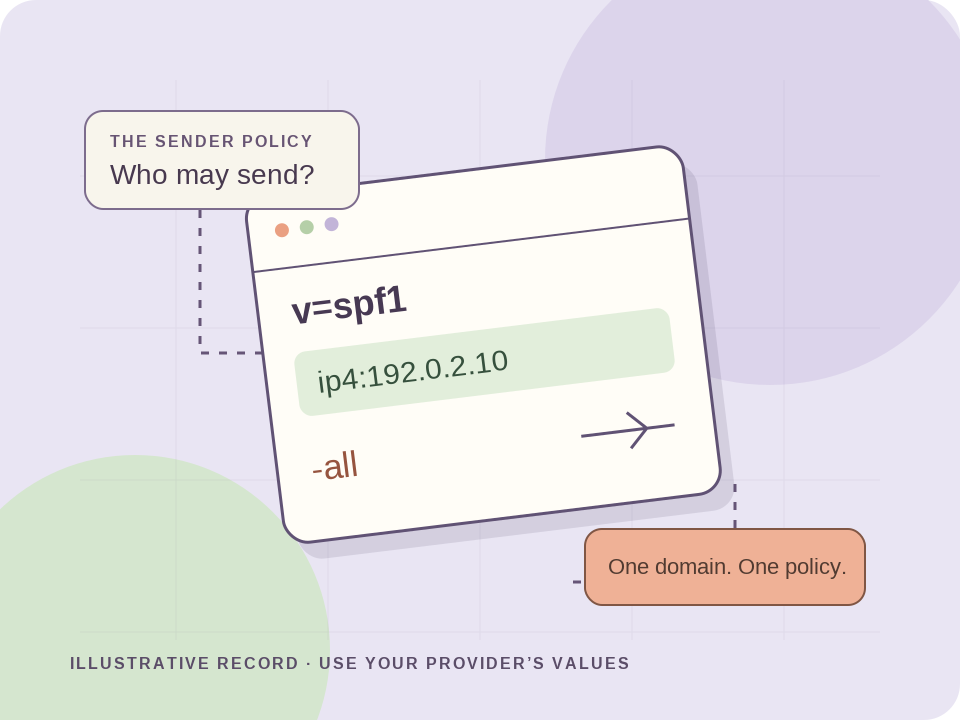
DMARC records, explained.
Connect SPF and DKIM to the From domain, then make an informed policy choice.
Read the guide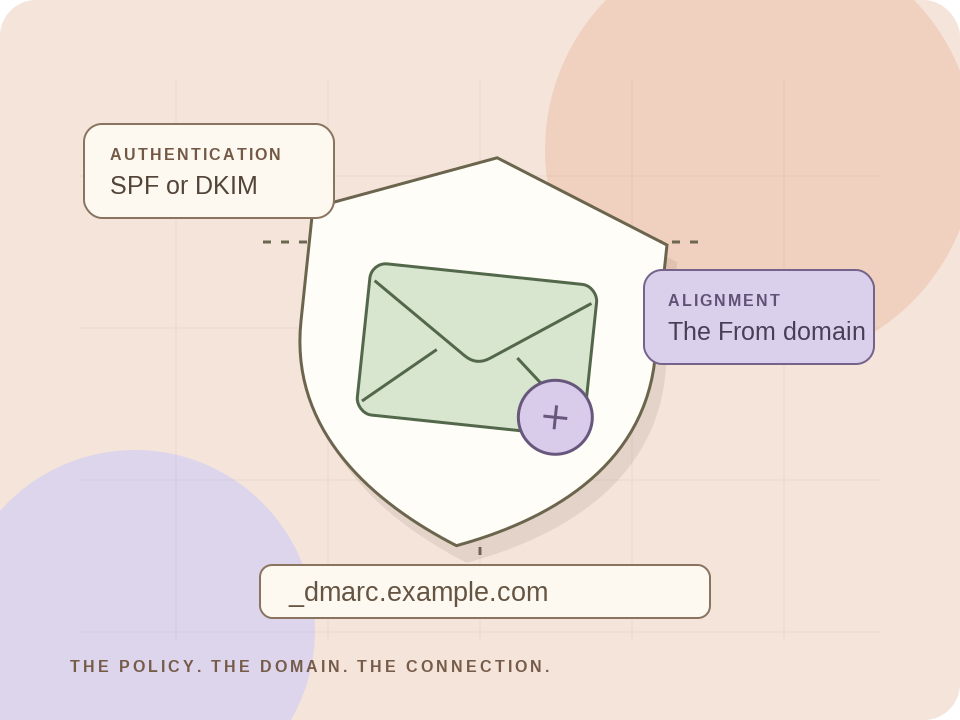
Mail going to the wrong place? Read MX records and mail routing. Seeing two sender policies? Follow the multiple SPF records fix guide.
Good questions.
Straight answers.
Can I check DKIM without knowing the selector?
Yes. Start with a domain. We try google, selector1, selector2 and default, stopping at the first checked key declaration. This is a bounded search; other selector names may exist.
How do I find my exact DKIM selector?
Open the full headers of a message sent through the service you want to check. In its DKIM-Signature field, s= is the selector and d= is the signing domain. Enter d= as the domain and s= under “Use a known selector”.
Does “not found” mean my domain has no DKIM?
No. A common-selector miss only describes the names checked. A custom selector may still be published. An unavailable DNS response is also different from a record that was not returned.
Does this test email authentication or delivery?
It reviews public DNS declarations. It does not send mail, verify a message signature, establish alignment, expand SPF includes, or test inbox delivery. A found key alone does not prove the service is signing with it.
Is this free, and where does my domain go?
There is no signup or audit-credit charge for this tool. On submission, your browser sends the lookup and your IP address directly to Cloudflare’s public DNS resolver. Bare Audit does not receive the lookup. Short-lived results stay in this tab’s memory; pasted-record review stays local.